
Know exactly what to order, before you order it
Concrete by the yard, gravel by the ton, paint by the gallon, shingles by the square, joists by the piece. Enter your measurements and Build Tally returns the quantity, the bag or box count, and an optional cost — with a waste allowance built in.

Most used calculators
Concrete Calculator
Free concrete calculator: enter your slab dimensions and get cubic yards, cubic metres, bags needed and estimated cost.
Square Footage Calculator
Free square footage calculator: add rectangles, circles and triangles to get total area in sq ft, sq m and sq yd.
Gravel Calculator
Free gravel calculator: enter area and depth to get cubic yards, tons and cost for driveways, paths and drainage.
Mulch Calculator
Free mulch calculator: enter bed size and depth to get cubic yards and how many bags of mulch you need.
Concrete Slab Calculator
Free concrete slab calculator for patios, driveways, garage floors and shed bases.
Paint Calculator
Free paint calculator: enter room size, coats, doors and windows and get gallons or litres needed for walls, ceiling and trim.
Stair Calculator
Free stair calculator: enter total rise and get equal riser height, tread depth, number of steps, total run and stringer length.
Brick Calculator
Free brick calculator: work out how many bricks and how much mortar a wall needs.
Fence Calculator
Free fence calculator: work out posts, sections, rails, pickets and concrete from your fence length, post spacing and height.
Tile Calculator
Free tile calculator: enter the area and tile size to get tiles needed, boxes to buy, grout and adhesive, with a cut allowance.
Cubic Yard Calculator
Free cubic yard calculator: convert length, width and depth into cubic yards, cubic feet and cubic metres.
Concrete Footing Calculator
Free footing calculator: enter footing length, width and depth to get concrete volume in cubic yards, bags needed and cost.
Browse by trade
Concrete & Masonry Calculators
Work out exactly how much concrete, block, brick and reinforcement a job needs — in cubic yards, cubic metres or bags.
Landscaping & Outdoor Calculators
Estimate bulk materials for driveways, beds, patios and yards.
Interior & Finishing Calculators
Measure a room once and get everything you need to buy it out: square footage, paint by the gallon or litre, tile and flooring by the box, drywall sheets, insulation rolls and wallpaper rolls — with a cut allowance built in.
Roofing Calculators
Turn a building footprint and a roof pitch into real roof area, then into squares, bundles and underlayment.
Framing, Decking & Lumber Calculators
Work out joists, studs, risers, treads and board feet without the arithmetic.
Why Build Tally is different
Built around how material is sold
Suppliers do not sell square feet. They sell cubic yards, tons, bags, boxes, bundles, squares and rolls — and every one of those has its own conversion. Build Tally gives you the number you will actually put on the order, not a raw area you then have to convert yourself.
Waste is included, not an afterthought
Every calculator has a waste allowance you can adjust, because the theoretical quantity is never the quantity you need. Cuts, uneven ground, spillage and rejected boards are real, and running short mid-job costs far more than the extra material would have.
Metric and imperial in the same calculation
Each dimension has its own unit selector, so a slab measured in feet with a thickness in millimetres works fine. Results come back in cubic yards, cubic feet and cubic metres together.
Nothing is uploaded
Every calculation runs in your browser. Job dimensions, quantities and prices stay on your device — there is no account and no server keeping a record of what you priced.
Estimating tools, not engineering software
Build Tally answers the question that comes up on every job: how much do I need to buy? Whether that is concrete for a slab, mulch for a bed, paint for a room or bundles for a roof, the arithmetic is simple and the unit conversions are where mistakes happen. These calculators do both, show their working, and round to the unit you actually buy in.
What they deliberately do not do is size structure. Joist spans, beam dimensions, footing depths, rebar schedules, ledger details and stair geometry limits are all governed by your local building code, and getting them wrong is a safety failure rather than an ordering error. Use these numbers to price and plan; take the structural figures from your code, a span table, or a qualified engineer — and check whether the work needs a permit.
Guides and how-tos
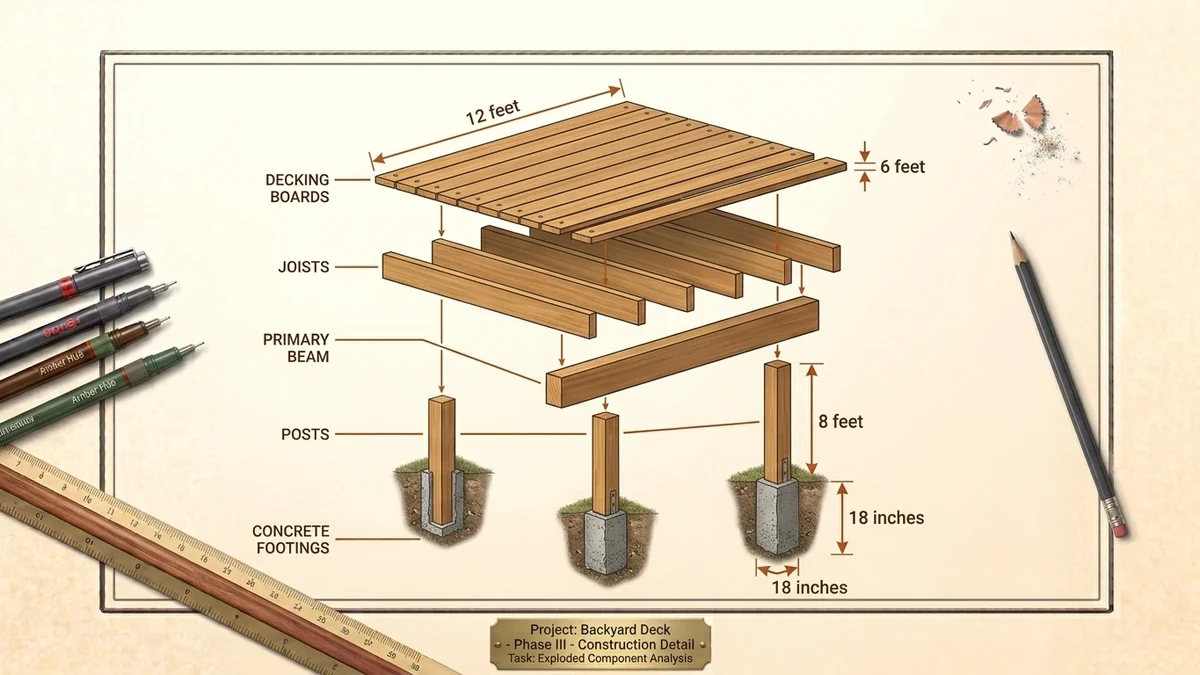
Deck Materials List: Working Out Boards, Joists, Posts and Fasteners
How to work out a deck materials list — decking boards, joists, beams, posts, footings and fasteners — pl…
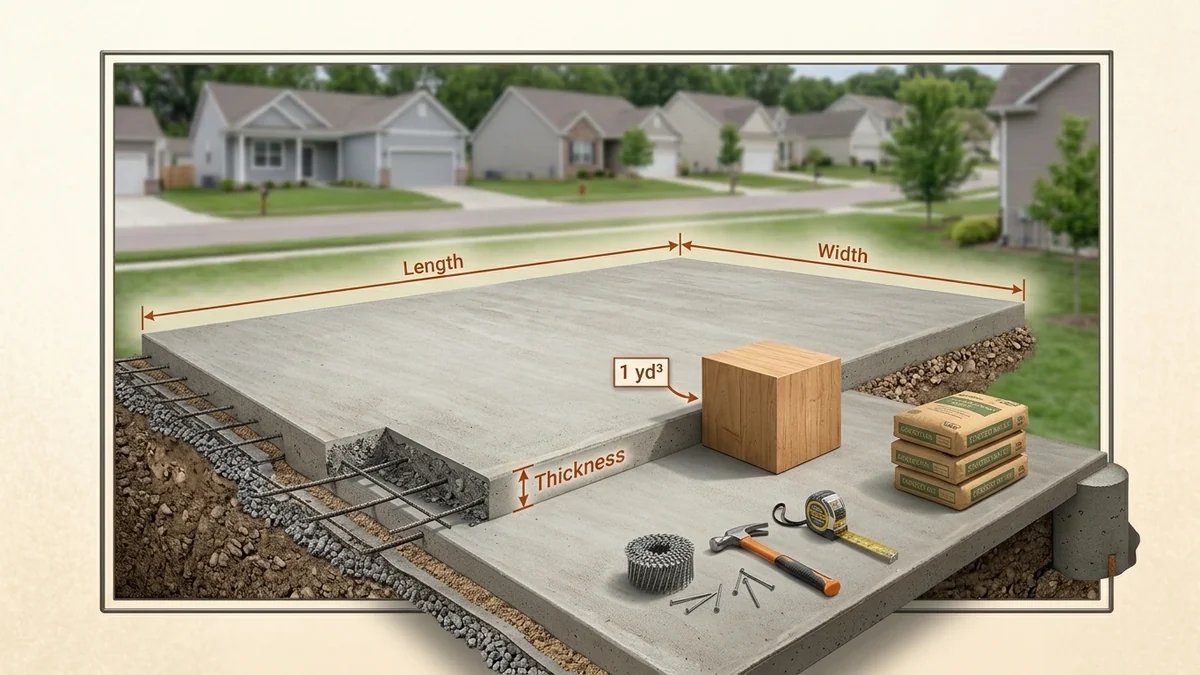
How Much Concrete Do I Need? A Straight Answer for Slabs, Footings and Posts
Work out concrete for a slab, footing or post hole: the cubic yard formula, bag counts, common slab sizes…
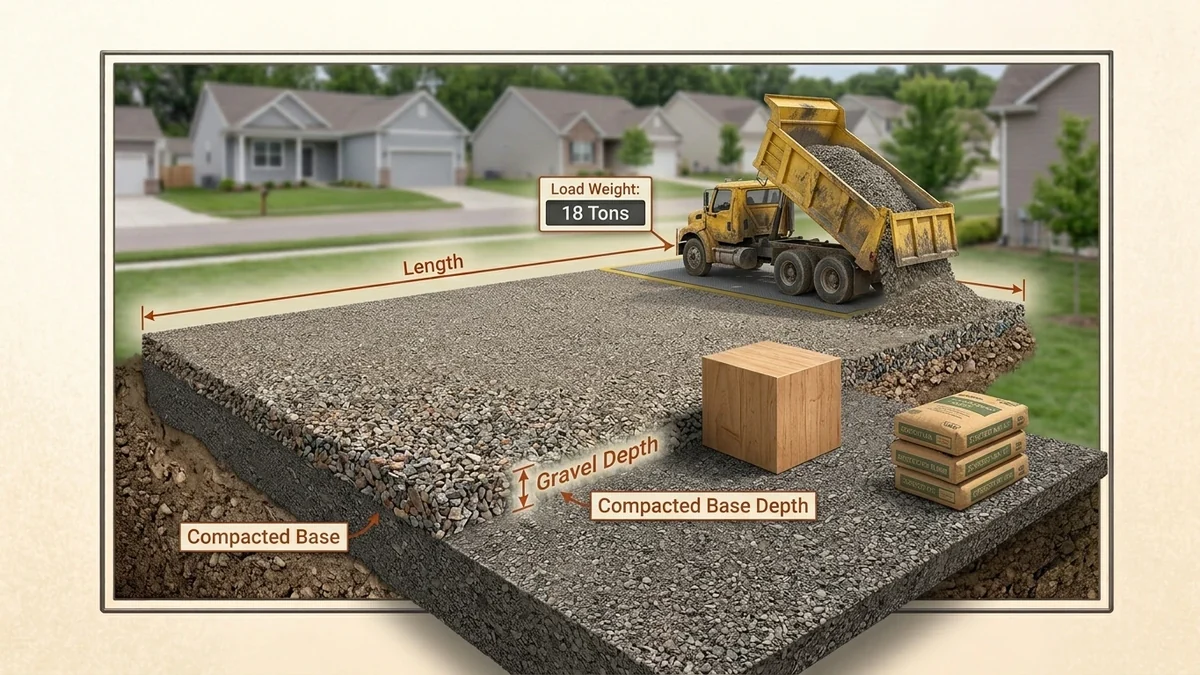
How Much Gravel Do I Need? Tons, Cubic Yards and the Right Depth
Calculate gravel for a driveway, path or drainage bed: the cubic yard formula, tons per yard, coverage ta…
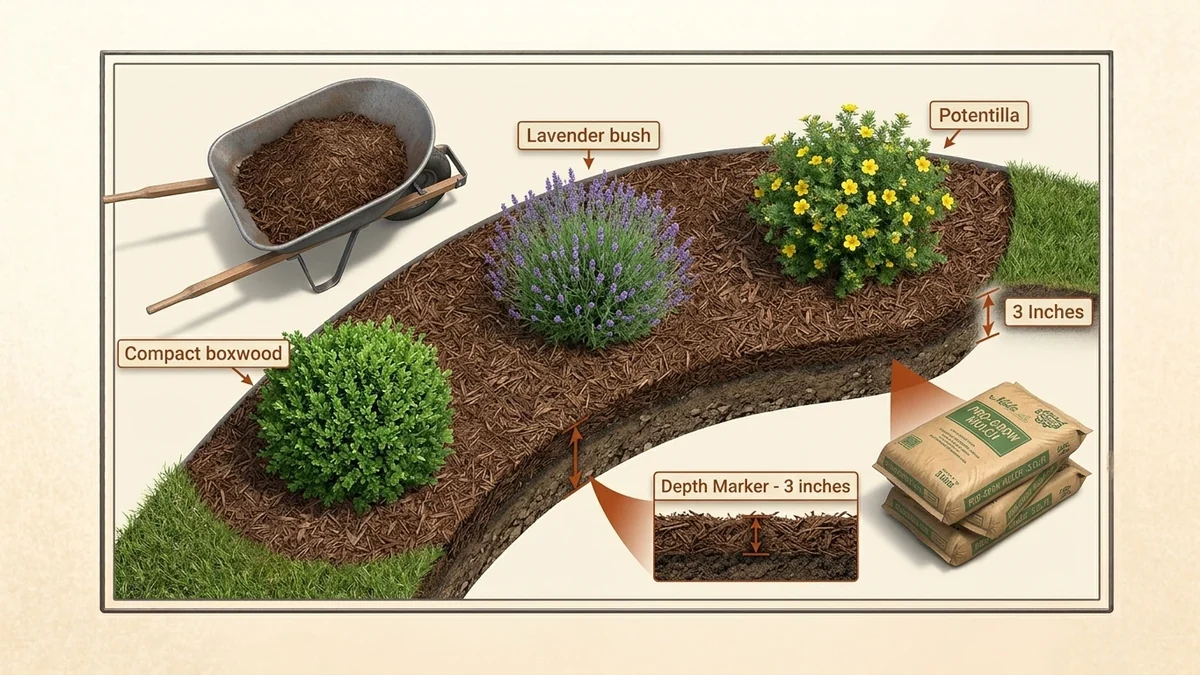
How Much Mulch Do I Need? Bags, Cubic Yards and the Right Depth
Work out mulch by the bag or the cubic yard, learn the right depth for beds and trees, when bulk beats ba…
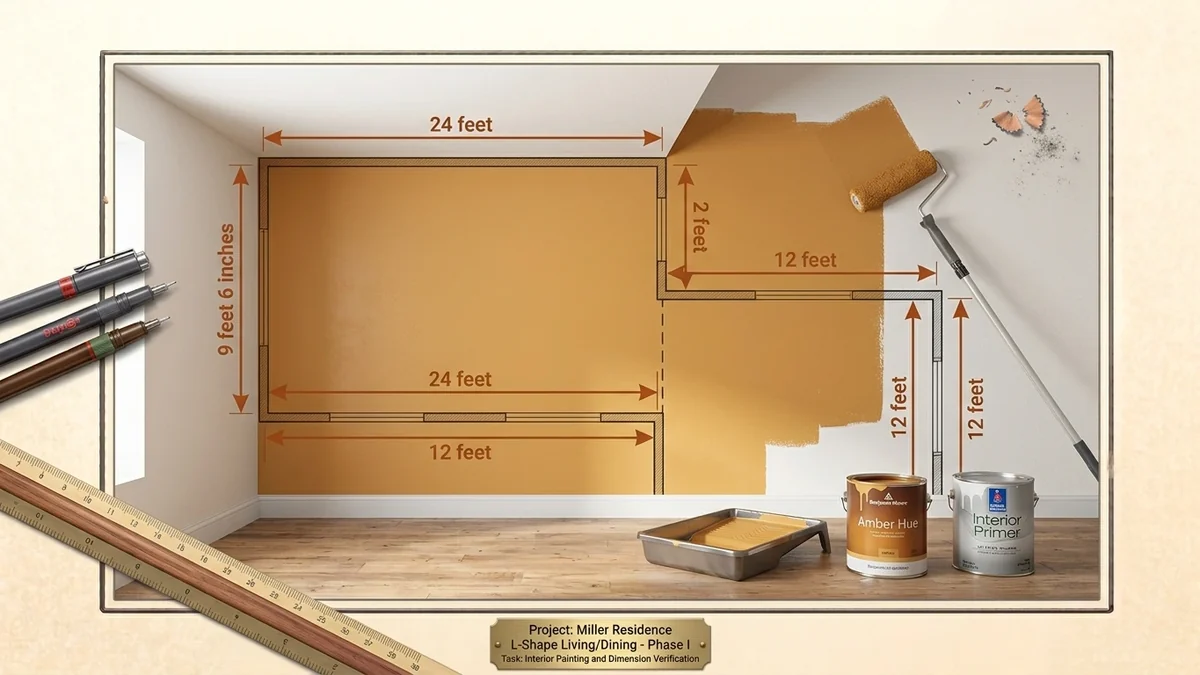
How Much Paint Do I Need? Gallons Per Room, Worked Out
Work out paint by the gallon or litre: the wall area formula, coverage rates, how many coats, when to pri…
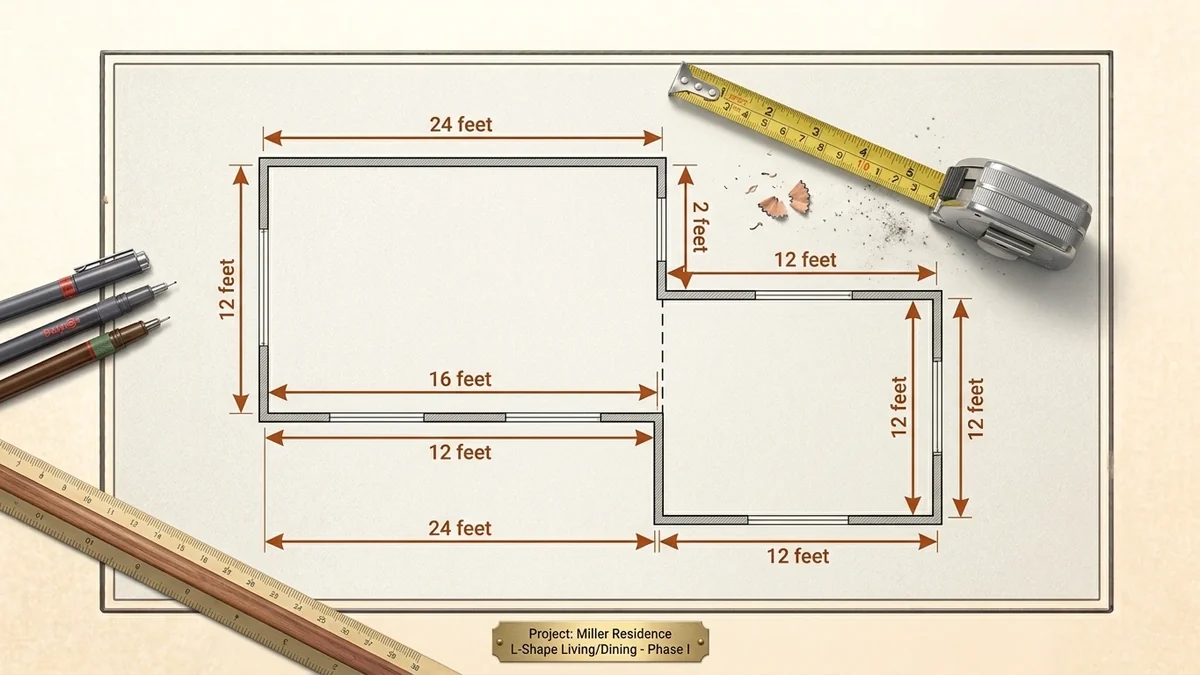
How to Calculate Square Footage of a Room, a House or a Yard
How to measure and calculate square footage for rooms, L-shapes, circles and land — plus conversions to s…
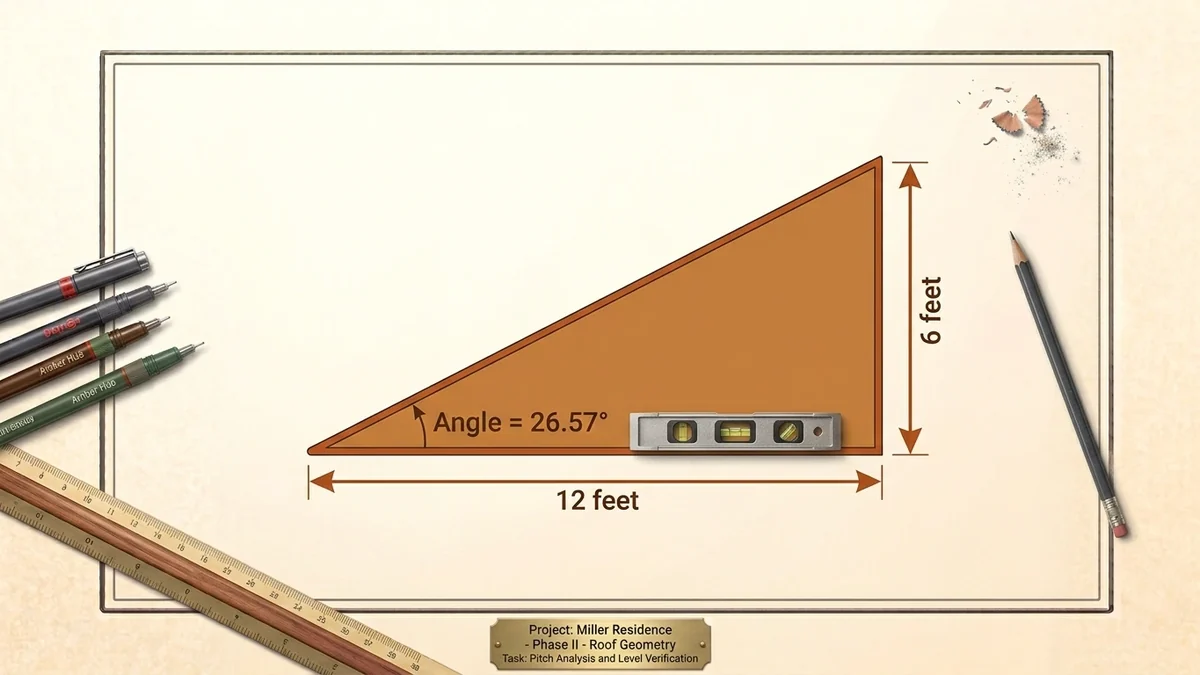
Roof Pitch Explained: Rise Over Run, Degrees and the Slope Factor
What roof pitch means, how to measure it safely, converting between x-in-12, degrees and percent, and usi…
Frequently asked questions
Is Build Tally really free?
Yes. Every calculator is free with no account, no limits and no paywall. The site is supported by advertising.
Do the calculators work in metric?
Yes. Every dimension has its own unit selector, so you can mix feet, inches, metres, centimetres and millimetres in one calculation, and results are shown in both imperial and metric.
Is anything I type sent to a server?
No. Every calculation runs inside your browser in JavaScript. Nothing you enter — dimensions, prices, addresses of jobs — ever leaves your device.
How accurate are the estimates?
The arithmetic is exact. The material quantity depends on your measurements, site conditions and the coverage of the product you buy, so treat every figure as a well-founded estimate and check the coverage printed on the product.
Do these calculators replace an engineer?
No. They estimate quantities so you can price and order a job. Structural questions — spans, footing depths, beam sizes, load capacity — must come from your local building code or a qualified engineer.
Do they work on a phone on site?
Yes. Every calculator is built for a phone screen and works in Safari and Chrome without an app.
Do I need to create an account?
No. There is no sign-up, no email required and no usage limit.